What is a Computer?
On my free time, I like to learn more about hardware, software and different technologies. I publish articles about my recent learnings or the projects I have done.
Overview
This article will introduce, define and explain the following: what a computer is, the hardware and software relating to a computer, different types of computers and their differences, and why each component is important for a computer to function when it is turned on.
Computer Components
A computer is defined as an electronic device that holds, retrieves and edits the data that is stored in its system. (1) To use a computer, it must be turned on. How is a computer capable of functioning when it is turned on? Every computer must have the following components (2):
Motherboard - It is a circuit board that contains the following components that is essential for a computer to run:
Central Processing Unit or CPU - The brain of the computer that allows commands to be executed.
Heatsink - If a CPU overheats, there is a heatsink to flow the heat away from the CPU to prevent it from overheating.
RAM - Store short-term memory of recent or current tasks. None of this data is saved when the computer is turned off.
Hard Drive (HDDs) or Solid State Drive (SSDs) - A computer either has an HDD or SSD to store events or commands that were executed in its long-term memory.
Expansion Slot (optional) - Some computers or laptops have expansion slots to insert additional cards such as audio cards or network cards (3).
Power Supply unit - Converts AC current to DC current since the components in a computer only use DC current.
Input and Output Devices
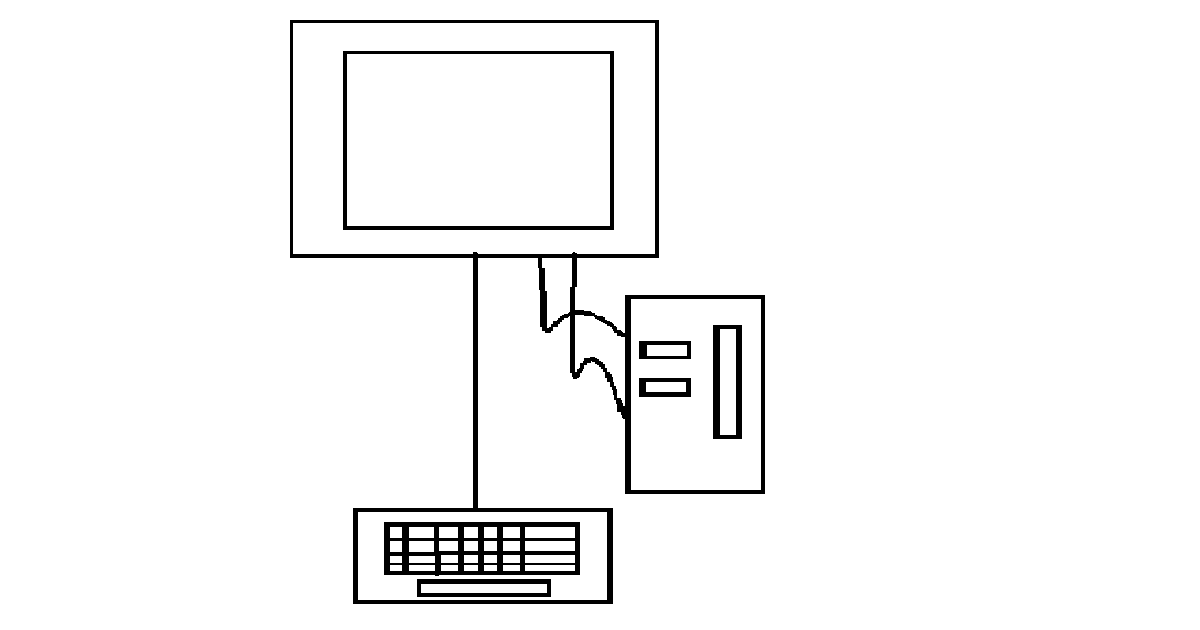
Today, there are many different types of computers. Commonly desktops or laptops are often used and also phones and tablets are also referred to as computers. Desktops are non-portable devices while laptops, phones and tablets are, but, at the cost of sacrificing power and have limited compatibility using different wires or cables due to having a lack of ports. If applicable, computer ports are used to connect to other hardware to operate the computer more efficiently, are called "input devices". Computers can connect to other devices through a signal, which is called "output devices".
Examples of Input Devices
Keyboards
Mouse
Flashdrives or USBs
Battery Chargers
Examples of Output Devices
Printers
Scanners
Monitors or TV
Headphones or Speakers
References
GCF Global. “Computer Basics: What Is a Computer?” GCFGlobal.org, 2019, edu.gcfglobal.org/en/computerbasics/what-is-a-computer/1/ (1)
Team Leverage Edu. “Components of Computer.” Leverage Edu, 21 Oct. 2021, leverageedu.com/blog/components-of-computer/. (2)
Techopedia Inc. “What Is Expansion Slot? - Definition from Techopedia.” Techopedia.com, 8 Dec. 2016, www.techopedia.com/definition/2195/expansion-slot#:~:text=An%20expansion%20slot%20is%20a. (3)